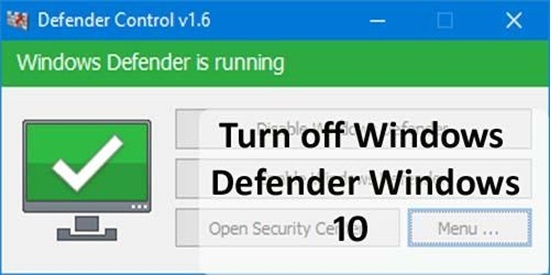
Windows Defender is an in-built antivirus protection program in Windows 10 that offers a lot to its users in terms of usability, protection and performance. With the help of Windows Defender Antivirus, users can protect their system, files and data from viruses and malware, etc. However, sometimes due to some reason you may want to turn off Windows Defender in Windows 10 but struggle to do so because you don’t know the steps and methods about ‘How to disable Windows Defender?’
Don’t worry! With the help of the below-mentioned three useful and effective methods, you can easily be able to disable Windows Defender in Windows 10 home. You can try all three methods in order to know what works best for you from the listed methods in order to turn off Window Defender effortlessly. So, let’s get started:
First of all open Registry Editor using these steps-
Establishing a startup is a difficult task; there’s no doubt about it. In fact, about…
If you’re searching for a solution to remove PDF print protection and print password protected PDF…
It’s very stressful to find or recover permanently deleted emails or messages from the Gmail…
DNS Probe Finished No Internet’ (or DNS_PROBE_FINISHED_NO_INTERNET) is a very common and frustrating error, which occurs…
Windows 10 is the best designed operating system by Microsoft to date. If like me,…
Seniors picturing retirement filled with quiet mornings, quick trips to the market, and worry-free bills…